
Revolut USD Bridge for WooCommerce – WordPress Plugin


$125.00
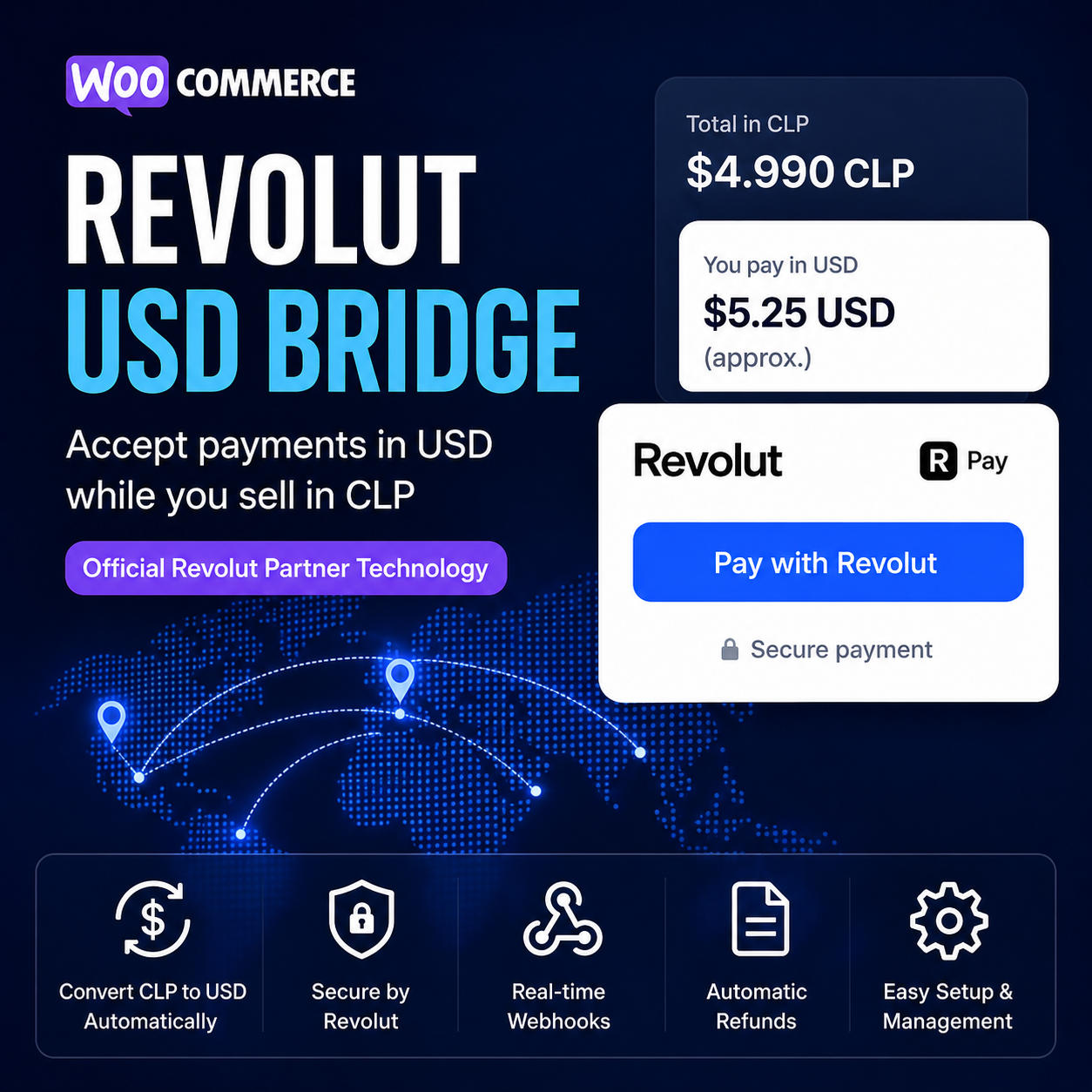
Revolut USD Bridge for WooCommerce lets your store keep products, orders and customer-facing prices in CLP while securely charging customers in USD through Revolut Hosted Checkout.
- Show automatic USD equivalents across product, cart and checkout pages
- Charge the final converted amount in USD via Revolut
- Lock and store the exchange rate on every order
- Auto-register webhooks for real-time payment updates
- Support refunds, line items, shipping details and WooCommerce Blocks
Built for stores in Chile that need a clean, production-ready way to accept Revolut payments without changing their WooCommerce store currency.
Revolut USD Bridge for WooCommerce
Revolut USD Bridge for WooCommerce is a production-ready payment bridge built for stores that want to keep their WooCommerce catalogue, cart, checkout and order records in CLP while charging customers securely in USD through Revolut Hosted Checkout.
It solves a common limitation for Chilean WooCommerce stores: Revolut card payments may not appear when the store currency is CLP. Instead of forcing your entire store to operate in USD, this plugin keeps the local shopping experience intact and converts the final payment amount to USD only when the customer pays.
Why use this plugin?
If your customers shop in Chilean pesos but your Revolut merchant account needs to process the payment in USD, this bridge gives you the best of both worlds. Customers see familiar CLP pricing, your WooCommerce records remain clean, and Revolut receives a USD payment amount that it can process.
- Keep your WooCommerce store currency in CLP
- Show USD equivalents across product, cart and checkout pages
- Convert the final order total into USD for Revolut payment processing
- Lock and store the exchange rate on every order
- Display transparent conversion details at checkout and in emails
- Use Revolut Hosted Checkout without collecting card details on your site
- Receive payment updates through automated Revolut webhooks
- Process supported refunds directly from WooCommerce admin
How it works
1. Prices stay in CLP
Your products, cart totals, checkout totals, order records and WooCommerce reports remain in Chilean pesos.
2. USD equivalents are shown
The plugin displays approximate USD equivalents beside WooCommerce prices so customers understand the payment conversion before checkout.
3. Checkout shows the conversion
At checkout, customers see the CLP order total, the exchange rate being used and the final USD amount that will be charged by Revolut.
4. Revolut receives USD
When the order is placed, the plugin creates a Revolut Hosted Checkout payment in USD and redirects the customer to Revolut to complete payment securely.
5. WooCommerce gets updated
Payment status updates are received through Revolut webhooks and synced back to the WooCommerce order.
Key features
CLP store, USD payments
Keep your WooCommerce store in CLP while processing the final payment through Revolut in USD.
Automatic conversion display
Show approximate USD values across product pages, cart totals, checkout totals and order summaries.
Locked exchange rate
The exchange rate used for the transaction is stored on the order, giving you a clear audit trail.
Revolut Hosted Checkout
Customers complete payment on Revolut’s secure hosted checkout page, reducing payment handling complexity on your site.
Webhook automation
The plugin can register the webhook automatically and sync payment events back into WooCommerce.
Refund support
Process supported full or partial refunds from WooCommerce admin and send the refund request to Revolut.
Physical and digital orders
Includes line item and shipping payload support, making it suitable for listings, services, digital products and simple physical goods.
WooCommerce compatibility
Built with support for classic checkout, WooCommerce Blocks and High-Performance Order Storage.
What is included
- Production-first WooCommerce payment gateway
- Revolut Merchant API integration
- USD Hosted Checkout payment creation
- Automatic webhook registration from WooCommerce settings
- Webhook signature verification support
- Order status sync from Revolut to WooCommerce
- Manual admin sync action for payment status
- Manual admin resend checkout link action
- Conversion information in checkout, admin orders and emails
- Optional exchange rate buffer
- Optional stale-rate protection
- Optional minimum USD charge
- WooCommerce admin diagnostics for setup issues
Best suited for
This plugin is ideal for Chilean WooCommerce stores that sell adverts, listings, services, digital products, marketplace access, subscriptions sold as one-off products, bookings, simple physical goods or any product where the customer should browse in CLP but pay through Revolut in USD.
Simple setup
- Install and activate the plugin
- Open WooCommerce Payments settings
- Enable Revolut USD Bridge
- Add your Revolut Live Merchant API Secret Key
- Set your CLP per 1 USD exchange rate
- Click the API and webhook setup button
- Test checkout with your lowest-value product
Transparent checkout experience
Customers see the conversion before they place the order, including the CLP total, exchange rate and final USD amount. The same conversion information is stored on the order and included in email communications, helping reduce confusion and support requests.
Important note
This bridge is designed for one-time Revolut Hosted Checkout payments. Saved cards, tokenisation and automated recurring billing require a separate subscription-specific integration.
Related products

Plugins And Software

Plugins And Software

Plugins And Software

Plugins And Software

Plugins And Software

Plugins And Software

Plugins And Software

Plugins And Software
Limit Product Images Visibility by User Type for WooCommerce